


Ivory Swirl Lumina Leather MagSafe iPhone Case
Complete Your Look


- Free Shipping $39+
- 30-Day Returns
- 1-Year Warranty
- Secure Checkout
Description
Warm ivory leather with a raised swirl texture you can feel. The Scorpify Ivory Swirl Lumina Leather MagSafe iPhone Case catches light differently as you move — the surface is never quite the same twice.
Premium textured leather construction with built-in N52 MagSafe magnets. Slim profile with raised edges for screen and camera protection. Compatible with iPhone 18 Pro Max, iPhone 18 Pro, iPhone 17 Pro Max, iPhone 17 Pro.
Specifications
- Material: Premium polycarbonate + TPU bumper
- Compatible: iPhone (see variant options)
- MagSafe: Built-in N52 magnets
- Weight: ~35g
- Thickness: ~1.5mm slim profile
- Protection: Military-grade drop tested (10ft)
- Yellowing: Anti-yellow coating
Will the design peel or fade over time?
No. Each design is permanently bonded to the case — not surface-printed or glued on. The artwork stays vivid and won't peel, scratch, or fade with daily use.
Does it work with MagSafe chargers?
Yes! All Scorpify MagSafe cases feature built-in N52 magnets that provide strong, reliable attachment to chargers, car mounts, and accessories.
How do I clean the case?
Simply wipe with a damp, soft cloth. Avoid harsh chemicals or abrasive materials to keep the finish looking its best.
Shipping & FAQ
We offer free shipping for orders over $39 straight to your door throughout the contiguous US. For orders under $39, shipping fee will be $6.99 for each order.
It usually takes 1-2 business days for order processing, and 3-5 business days for your package to be delivered.
You will receive tracking information via email with a link to our online track-and-trace service.
Detachable Camera Button

What is it?
Your leather case comes with a detachable camera button. Install it for a tactile press feel, or leave it off for a clean, flush side profile.
How to install
- Align the button with the cutout on the side of the case
- Press gently until you hear a click
How to remove
- Push the button out gently from the inside of the case
- Keep the button safe — you can reattach it anytime
- Without the button, the case side is completely flush — camera control still works via the touchscreen
- The button is purely optional — both configurations are fully functional


Why You'll Love It
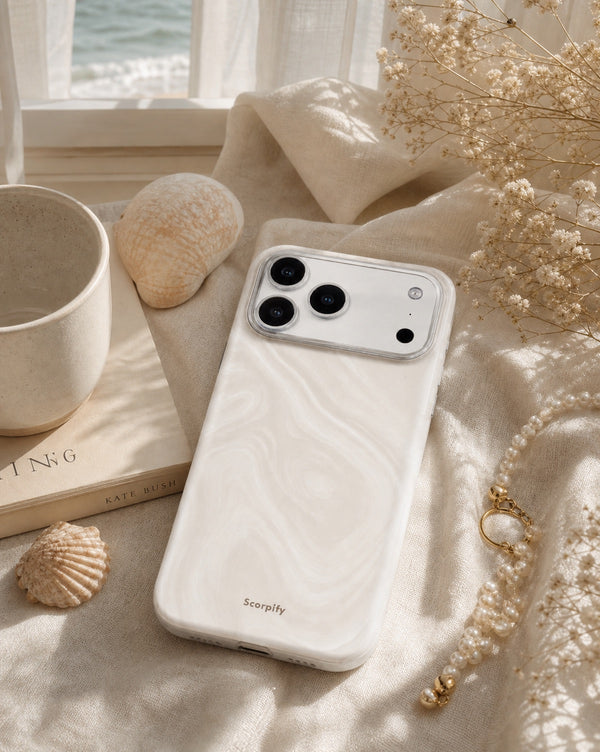
Crafted to Last
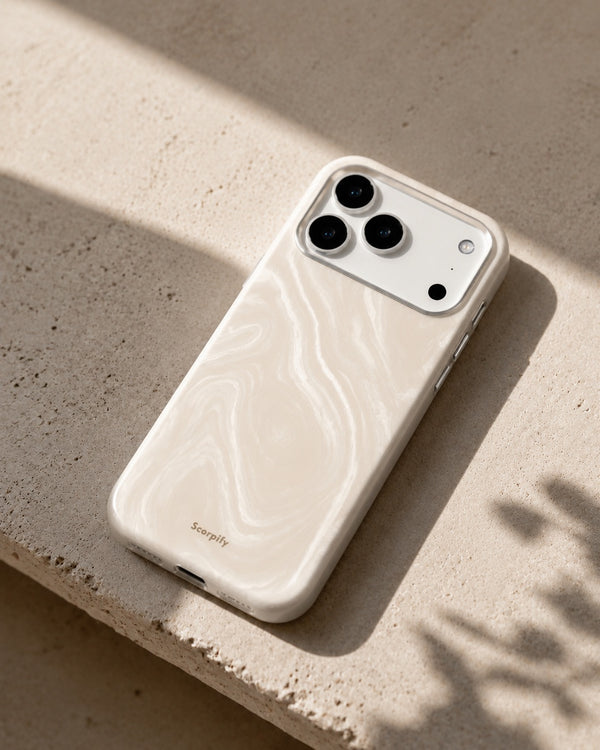
Catch the Light
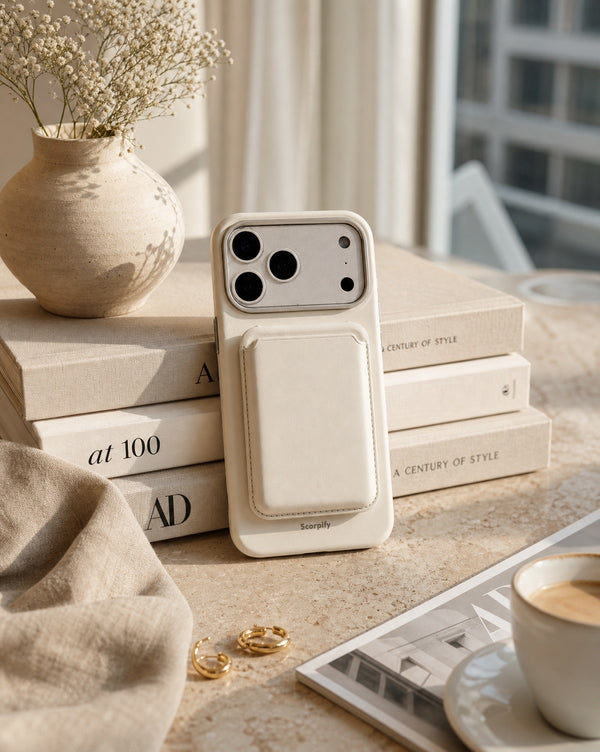
MagSafe Ready